
A VP opens the Monday pipeline dashboard, sees a number, and repeats it in the forecast call. Nobody on the call knows the extract behind it failed Friday night. The number was three days old, and the dashboard looked exactly the same as it does when it's current.
That's the problem with most Tableau dashboards we audit. They show the data. They don't show how old it is.
A Stale Dashboard Looks Like a Fresh One
Tableau doesn't gray out a view when its data stops updating. An extract that failed to refresh keeps serving the last good copy. A CRM sync that stalled upstream still gets picked up by a refresh that "succeeds" on schedule. In both cases the viewer sees clean charts and no warning.
Most teams aren't on top of this. IBM noted in 2026 that just under 40% of organizations reported outperforming their peers on data freshness and related metrics, according to 2025 research by the IBM Institute for Business Value. Most companies are somewhere behind.
Refresh Time Isn't the Same as Data Time
Tableau can show when an extract last refreshed. That's useful, but it answers the wrong question. A refresh at 6:00 a.m. that pulls from a warehouse table last loaded on Thursday is a successful refresh of Thursday's data.
The timestamp that matters is the newest record in the source. For a pipeline dashboard, that's the latest modified date on the opportunity records. For a revenue dashboard, it's the latest posted transaction from the ERP. That's what tells a leader whether they're looking at real-time numbers or last week's.
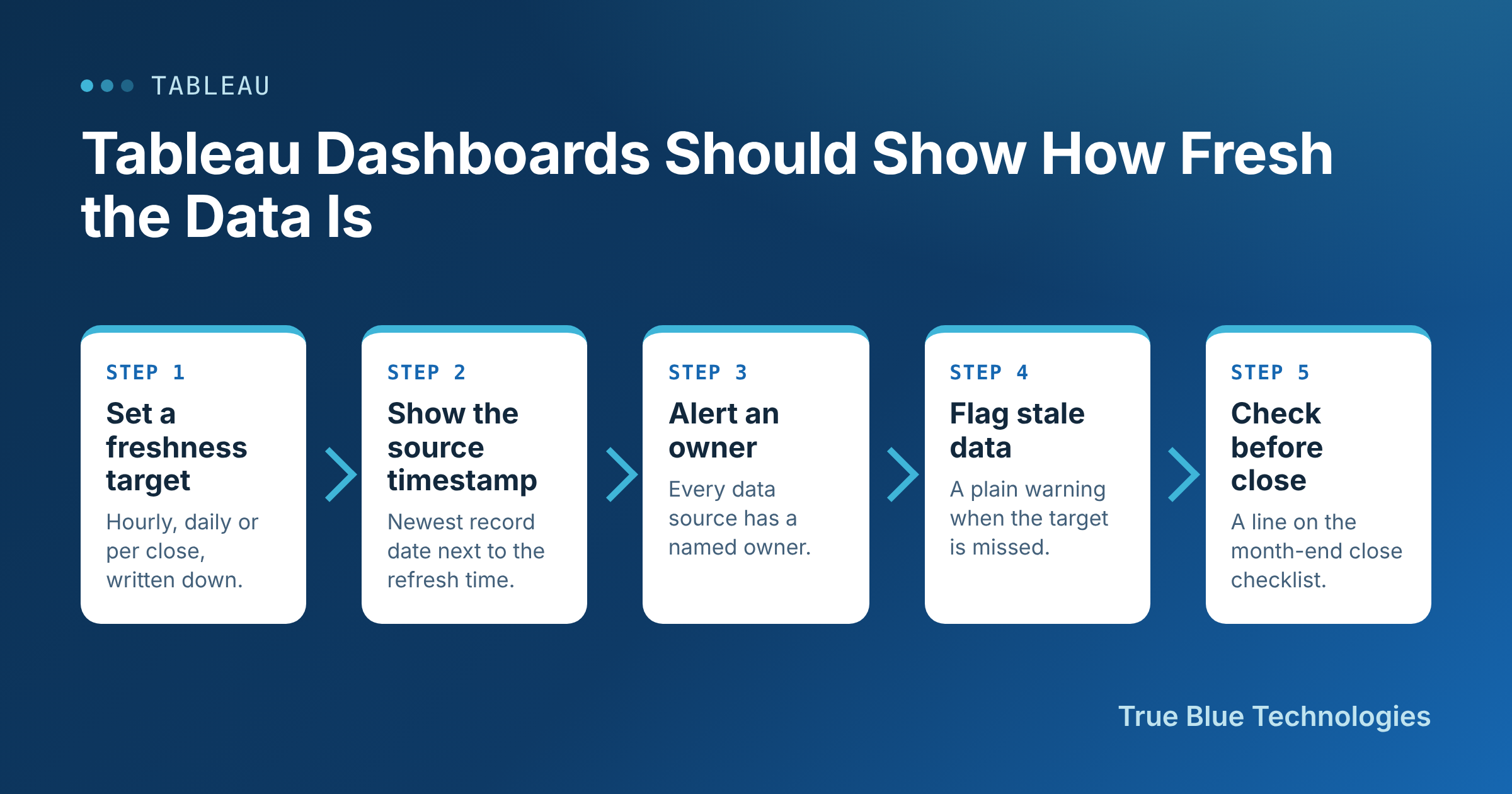
Build Freshness In, in Five Steps
- Set a freshness target. Every executive dashboard gets one, written down: hourly for pipeline, daily for bookings, after each close for financials. Without a target, nobody can say what "stale" means.
- Show the source timestamp. Add a calculated field for the most recent modified or posted date in the data, and put it in the dashboard header next to the refresh time. Viewers should see both without clicking anything.
- Alert an owner on failures. Every published data source has a named owner who gets the failed refresh notification and is expected to act on it. A failure email that goes to a former employee is the same as no alert.
- Flag stale data on the view. Compare the source timestamp to the target and show a plain warning, such as a red banner reading "Data older than 24 hours," when it's missed. The viewer finds out before the forecast call, not after.
- Check freshness before the month-end close. Finance shouldn't sign off on numbers from a dashboard whose sources haven't loaded the final days of the month. Make the freshness check a line on the close checklist.
Why Leaders Should Care
Stale data is a data quality problem, and it lands on the people making the calls. IBM reported in 2026, citing a 2025 IBM Institute for Business Value study, that 43% of chief operations officers name data quality issues as their most significant data priority. A dashboard that shows its own age is one of the cheapest fixes on that list.
It also changes behavior. Once a timestamp sits in the header, people stop asking analysts for ad-hoc "is this current?" checks, and the dashboard earns back its place as the source of truth.
What to Measure
Track the share of executive dashboards with a written freshness target, the number of failed refreshes per month, and the median time from a failure to a fix. Then drill down on any dashboard that missed its target in the week before a close. Those are the ones where a stale number is most likely to reach the board.
Our Take
A dashboard that hides its age asks leaders to trust it blindly. Put the source timestamp on every executive view, give every data source an owner, and flag stale data where people will see it. If you'd like help, we'll audit your Tableau sources against the refresh schedules and hand you a freshness plan your finance and sales leaders can rely on.