
The email looks like it came from your controller. A long-time vendor has new bank details, the invoice is due Friday, and could AP push the payment today. Someone replies "approved" from their phone between meetings. The money is gone by Monday.
Most mid-size companies we work with still approve payments this way: a forwarded PDF, a reply-all, a thumbs-up in a chat thread. It works fine until someone outside the company learns to write the same email.
Email Is the Attack Surface
Business email compromise is built for exactly this workflow. The FBI's 2025 Internet Crime Report puts reported BEC losses at $3,046,598,558 for the year, and notes that businesses reported more than $30 million in losses to BEC scams involving AI. Chat tools now write a convincing CEO email in seconds, so "it sounded like her" is no longer a control.
The individual hits aren't small, either. Verizon's 2025 Data Breach Investigations Report found the median amount taken in a BEC scam has settled around $50,000. That's one approval, sent from one convincing email.
Why Email Approvals Fail
The problem isn't careless people. It's that email carries the request, the approval and the change of payment details in the same channel, and anyone who controls that channel controls the payment. There's no threshold, no required second approver, and no record outside someone's inbox. At month-end close, nobody can drill down into who approved what, or on what evidence.
If you're already on Microsoft 365, you own the tools to fix this. Power Automate's approvals, surfaced in the Teams Approvals app, give you a structured request, a defined route and a stored history. Ask for the money in one place, approve it in another, and verify bank details in a third.
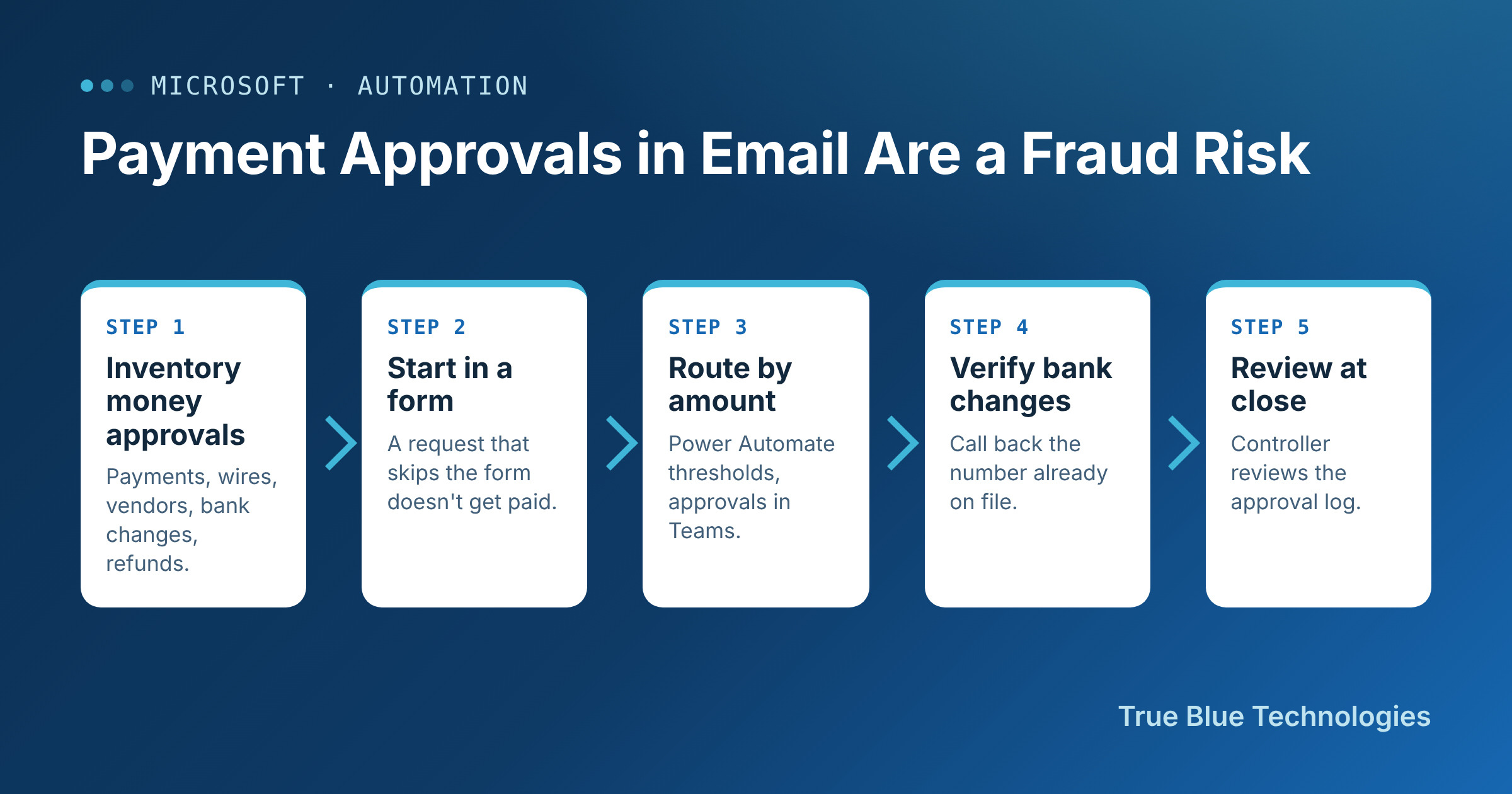
Move Approvals Out of the Inbox in Five Steps
- Inventory every approval that moves money. Vendor payments, wires, new vendors, bank detail changes, customer refunds and credits. Write down who approves each one today and how. We often find at least one that's approved by whoever answers first.
- Start every request in a form, not an email. A Microsoft Form or SharePoint list with required fields: vendor, amount, invoice, reason and requester. A request that skips the form doesn't get paid. That one rule removes the "urgent email from the CEO" path entirely.
- Route by amount and type with Power Automate. Build approval flows with thresholds: one approver under a set amount, two above it, and the controller on anything touching new vendors. Approvers act in Teams or Outlook, but the decision is recorded by the flow, not the reply.
- Verify bank changes out of band. Any change to payment details triggers a call-back task to the phone number already on file, never a number in the request. The flow doesn't release the change until someone confirms the call happened.
- Review the approval log at month-end close. Export the approval history to a list your controller reviews each close: approvals above threshold, bank changes, and anything approved outside the flow. Give the flow a named owner so failures get noticed.
What to Measure
Track the share of payments that went through the flow versus around it. Track approval cycle time, so the new process doesn't push people back to email because it's slower. And track bank detail changes with a completed call-back. The goal is a single source of truth for every dollar that leaves, available in real time, not reconstructed from inboxes after something goes wrong.
Our Take
Training people to spot fake emails helps, but it won't hold up against messages written by AI. Changing where approvals happen does. If you'd like help, we'll map your payment approvals, build the Power Automate flows and Teams approvals around your thresholds, and set up the month-end review so your finance team can see every approval in one place.