
A rep logs a call on one Jane Smith record. Marketing sends a nurture email to the other one. The renewal gets assigned to a third, created by a form fill with a personal email address. Three records, one buyer, and a pipeline report that counts her twice.
Most HubSpot portals we audit have this problem, and most of them have already run a big merge project to fix it. The duplicates came back within a quarter, because the merge cleaned the records and left the sources running.
Duplicates Are a Symptom
HubSpot matches contacts on email address and companies on domain name. Anything that creates a record without one of those keys, or with a different value for the same person, makes a new record instead of updating the existing one. The usual sources are the same in almost every portal: spreadsheet imports without an email column, integrations that sync contacts by their own ID, forms that accept personal and work addresses, and reps adding records by hand from a business card or a call.
Merging fixes the records you have today. It does nothing about the import someone runs next Tuesday.
Why It Costs More Than It Looks
Duplicates split activity history, so no one sees the full picture of an account. They inflate contact counts and marketing contact billing. They break attribution, because the first touch lives on one record and the closed deal on another. And they quietly corrupt the pipeline numbers leadership drills down into at month-end close.
Leaders feel it. IBM reported in 2026, citing a 2025 IBM Institute for Business Value study, that 43% of chief operations officers name data quality issues as their most significant data priority.
Fix It in Five Steps
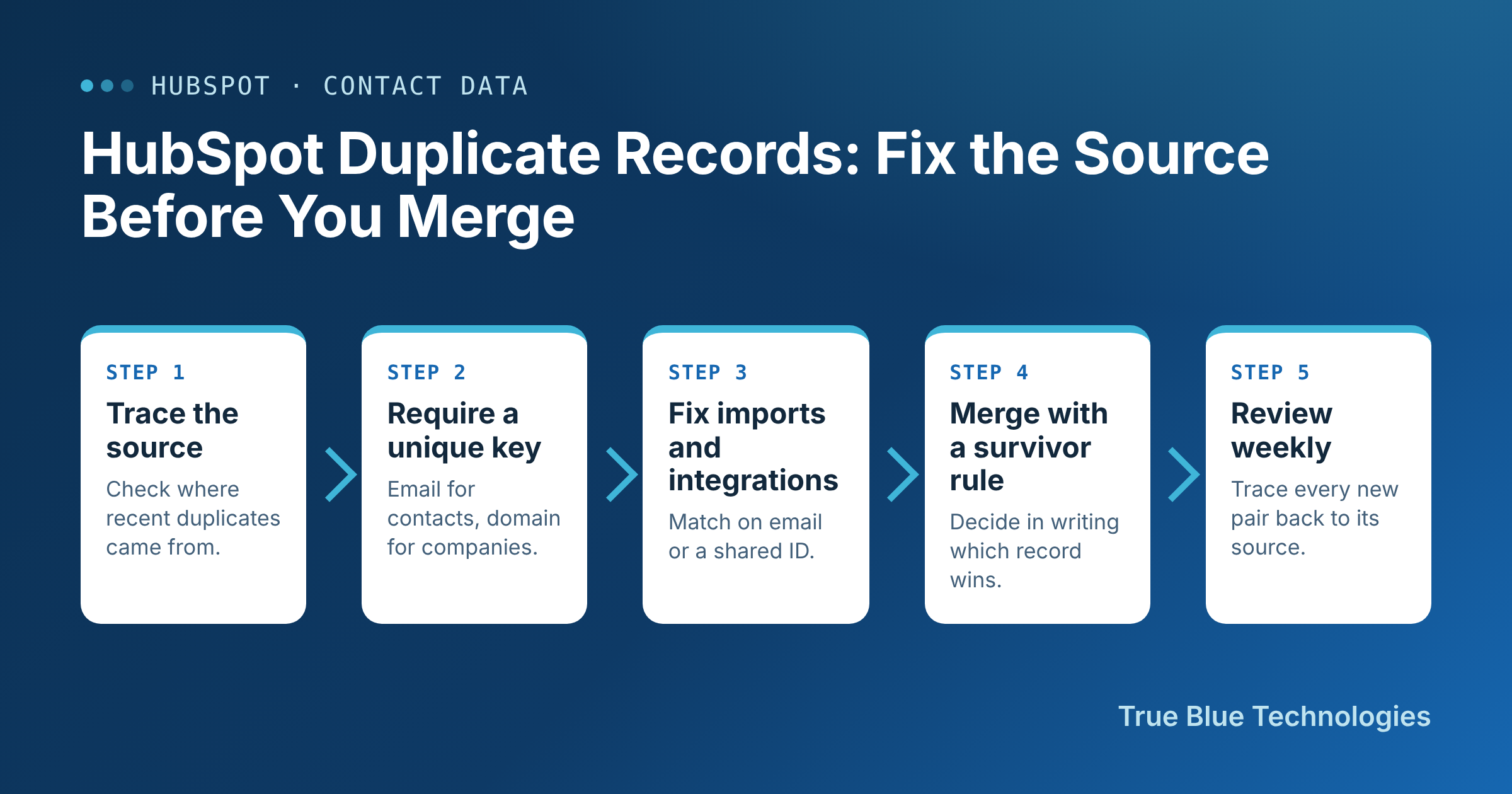
- Trace where duplicates come from. Pull a sample of recent duplicate pairs and check each record's original source property. In most portals, two or three sources account for nearly all of them. Those are your targets.
- Require a unique key at every entry point. Make email required on contact forms and in the manual create flow, and make domain required for companies. A record without a key is a duplicate waiting to happen.
- Fix imports and integrations. Every import template includes email, and every integration is set to match on email or a shared ID instead of always creating new records. Name an owner for each integration so someone notices when its sync settings change.
- Merge with a survivor rule. Decide in writing which record wins: usually the one with the owner, the open deal, or the most recent activity. Merges in HubSpot can't be cleanly undone, so the rule matters more than the speed.
- Review new duplicates weekly. Work HubSpot's duplicate suggestions on a fixed schedule, and trace any new pair back to its source. If the same source shows up twice, step three isn't finished.
Duplicates and AI
This gets more expensive as teams add AI assistants and scoring on top of the CRM. A model reading three partial records for one buyer will summarize, score and route her three different ways. IBM noted in 2025 that nearly half (49%) of executives cited data inaccuracies and bias as a barrier to embracing AI, according to IBM Institute for Business Value research. Clean contact data is part of AI readiness, not a separate project.
What to Measure
Track new duplicates created per week, broken out by original source. Track the share of contacts and companies missing a unique key. And track the merge backlog. When new duplicates per week trend toward zero, your data hygiene is holding. When they don't, the breakout tells you exactly which source to fix next.
Our Take
A one-time merge project buys you a clean quarter. Fixing the sources buys you a CRM that stays a source of truth. If you'd like help, we'll trace your HubSpot duplicates back to where they start, close those entry points, and set up a merge process your team can run in an hour a week.